// see it
Your whole fleet, at a glance.

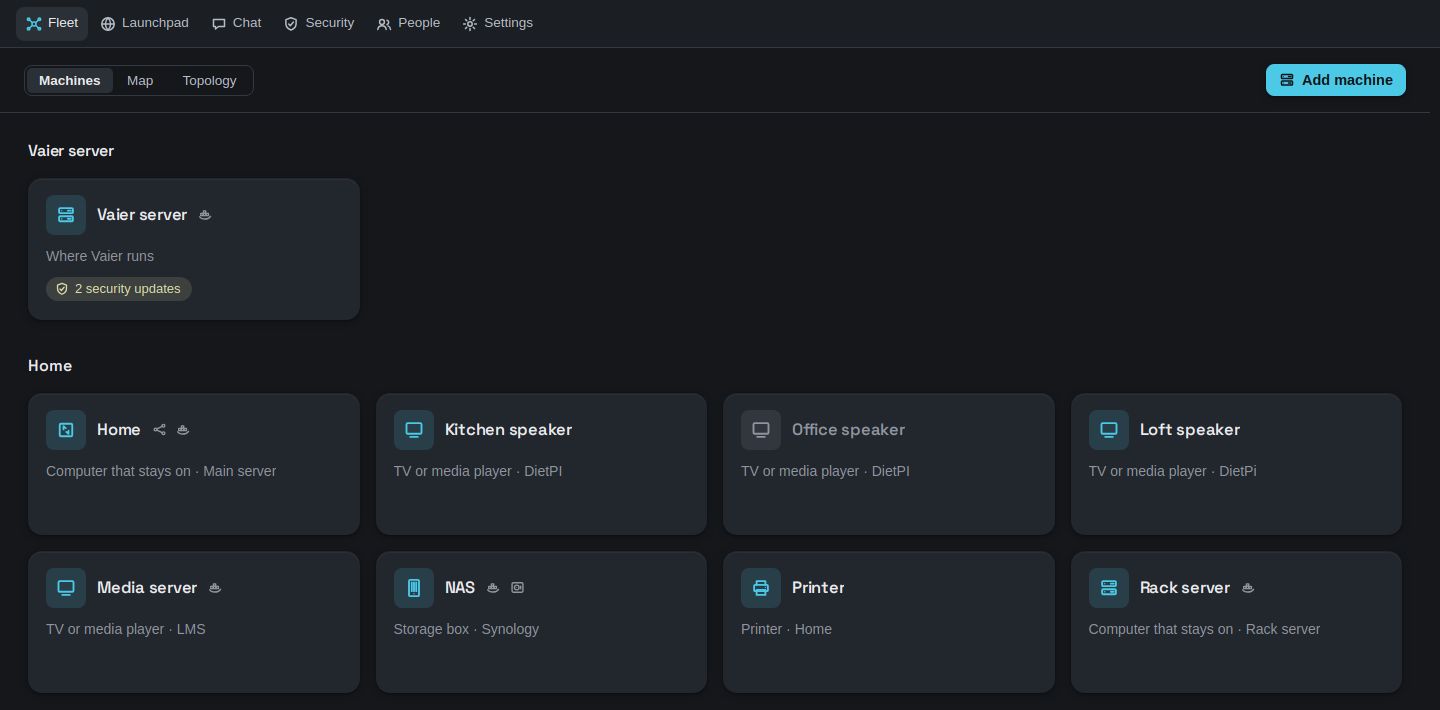
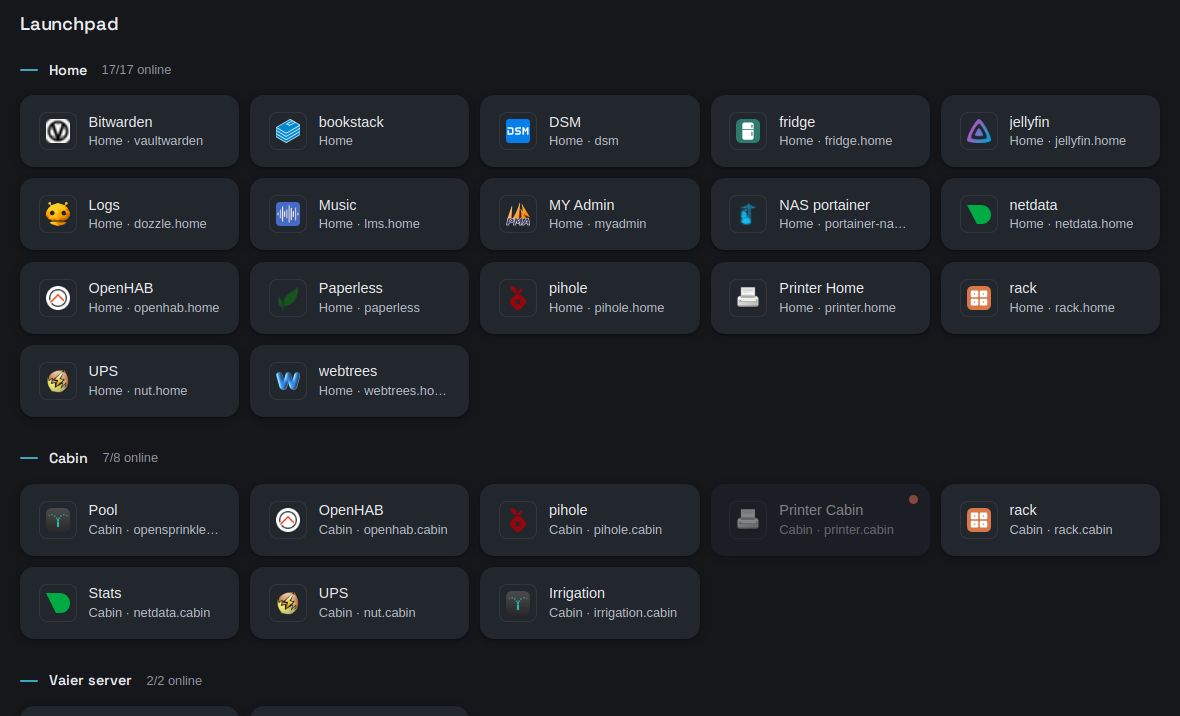
Vaier (Norwegian for wire, said VY-er) turns WireGuard, Traefik and sign-in into one web UI. Publish any container on any machine as an HTTPS site in one click.
A VPN peer, a DNS record, a proxy route, a certificate and an auth rule — for every new service.
Make one wildcard DNS record once. After that, pick a container, pick a name, and it's live with HTTPS.
Any container on any machine becomes an HTTPS site in one click. Traefik routes it and Let's Encrypt signs it.
Add a server with one setup link. Vaier finds its home network and lets the whole fleet reach it.
The Vaier app for Android and Windows joins with a four-digit code. Phones can tell Vaier's built-in MQTT broker when they come home.
Start with a first-run password, add Google or GitHub later. Choose who can open each service.
Files, containers, disks and backups across every machine, in one place. It opens on what needs you.
Tick what matters and press Back up. Archives stay readable even if Vaier is gone.
Disks forecast days ahead, containers that didn't come back, updates waiting. On your phone or PC, only when something is wrong.
CrowdSec blocks scanners at the edge, and Vaier tells you who and why, in plain words.
Every phone, TV and gadget that joins your home networks or VPN, and every time it was there.
A persistent SSH shell to any machine, in your browser, even while Vaier is down. Keys never leave the server.
Ask your fleet questions in plain words. Marvin can suggest an action, but only your click runs it.
One page linking every service you publish, with direct links when you're at home.
Sign each machine's Claude Code in to your own account from Vaier's terminal.
Traffic arrives at the Vaier server, passes sign-in if the service asks for it, and travels the tunnel to the container. Your machines never need a public IP.
Open TCP 22, 80, 443 and UDP 51820, and bring a domain.
It asks three questions: domain, email and time zone. It can install Docker for you if needed.
mkdir -p vaier && cd vaier
curl -fsSL https://raw.githubusercontent.com/geir-eilertsen/vaier/main/install.sh | bash
One wildcard record covers every service you will ever publish. The installer prints it for you.
# *.yourdomain.com A <this server's public IP>
The installer prints your first-run password. The first person to sign in becomes the admin. To update later, run the same command again.
Stop hand-editing proxy configs every time you add Plex or another app.
Let people in with Google or GitHub, and no one has to ask for a password.